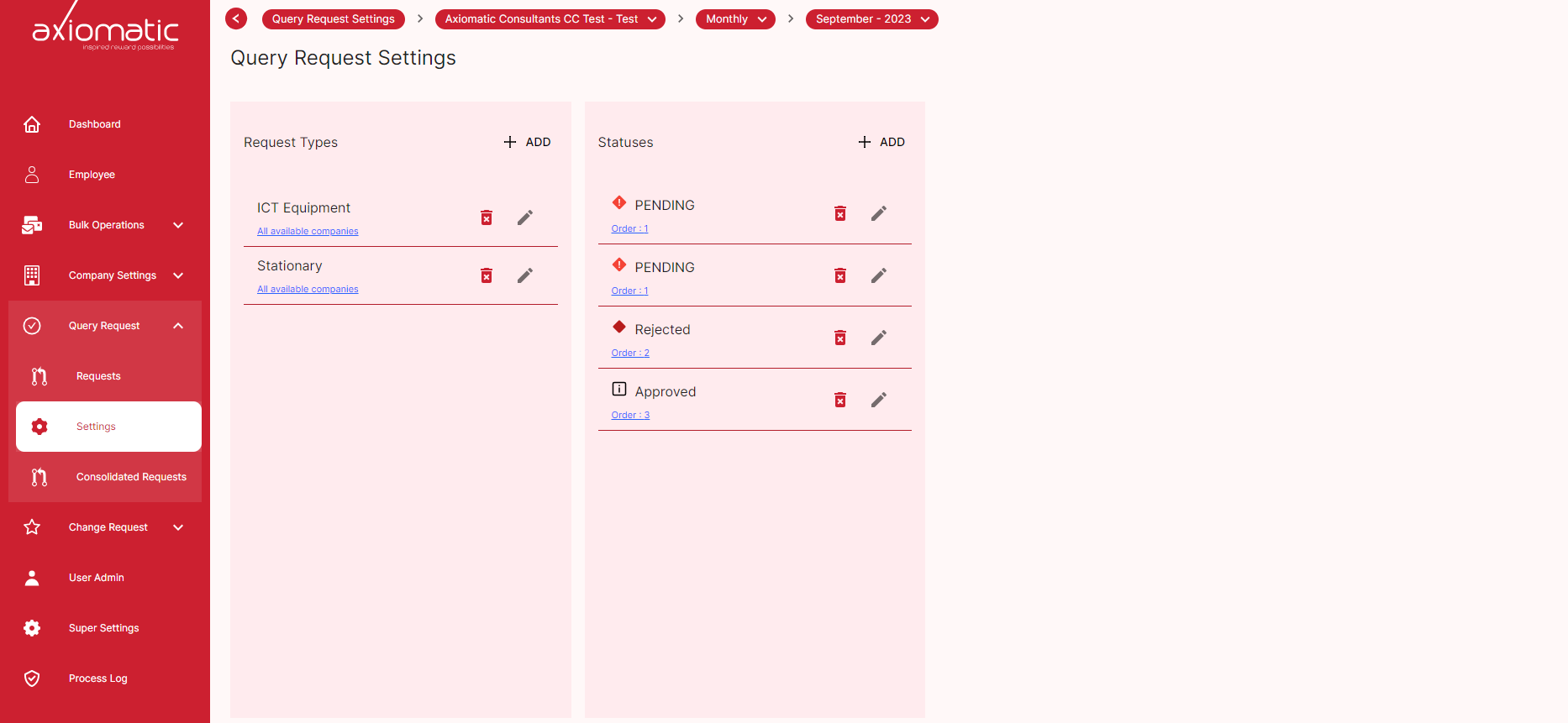
Query request settings
The Query Request Settings page can be used to manage the types of query requests that are available to users. On this page, you can create new types of query requests, edit existing types of query requests, and delete types of query requests.
Create a new Query Request Type
To create a new type of query request, click the Add button. This will open a new window where you can enter the request type information
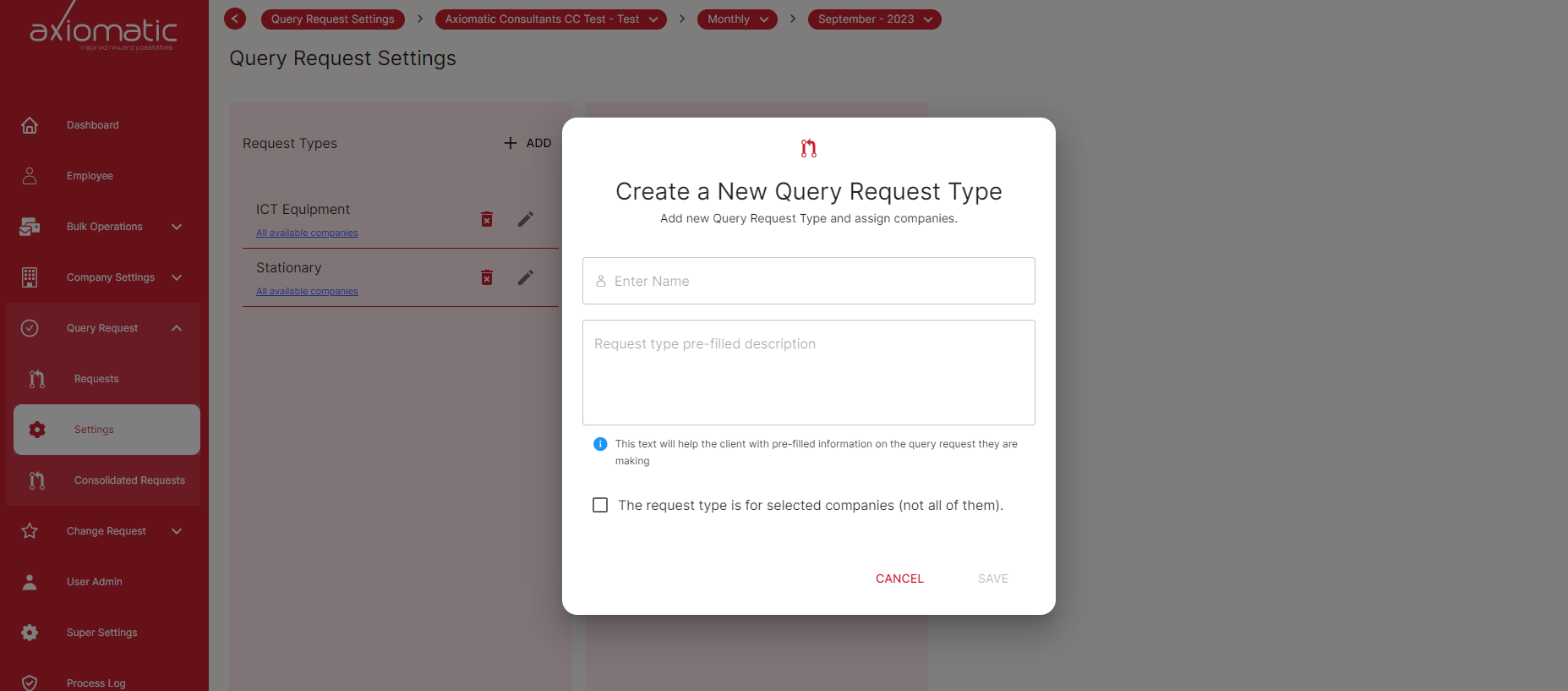
Once you have entered all of the required information, click the Create button. The new type of query request will be created and added to the Query Request Settings page.
To edit an existing type of query request, click the Edit button next to the type of query request you want to edit. This will open a new window where you can edit the information for the type of query request.
Once you have made your changes, click the Update button. The type of query request will be updated.
To delete a type of query request, click the Delete button next to the type of query request you want to delete. This will open a confirmation window.
If you are sure you want to delete the type of query request, click the Delete button. The type of query request will be deleted.
The Query Request Settings page is a valuable tool for managing the types of query requests that are available to users. By using this page, you can ensure that users have the ability to create the types of query requests that they need.
Please note that the Query Request Settings page may not be available to all users. If you do not see the Query Request Settings page, please contact your administrator.
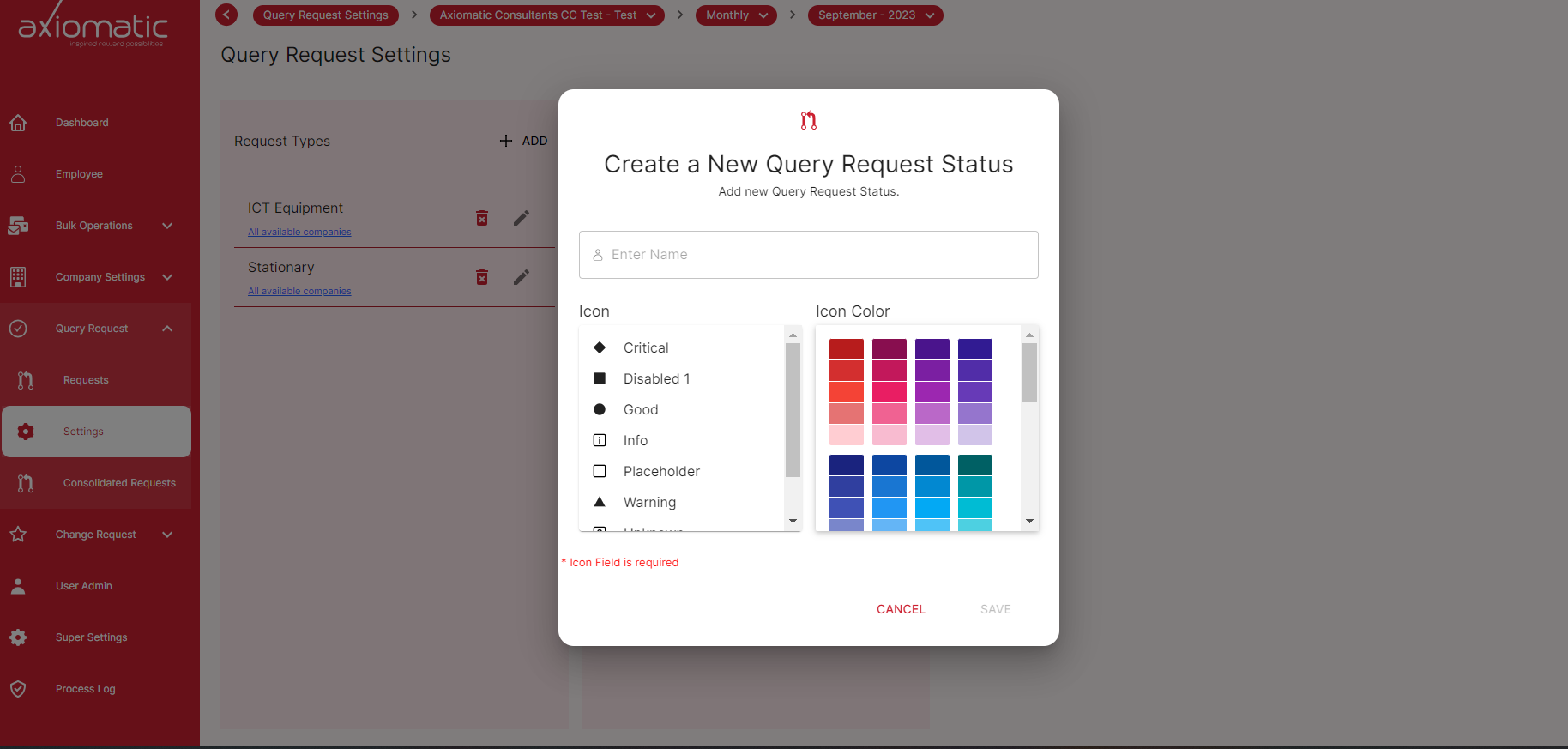
Create a new Query Request Status
You can also create a new Query Request Status, and delete and edit in the Query Request Settings. To add a new status just click on the Add New Status button and the following pop-up will be shown.