Filtering Records
Filtering Records
Filtering records in the Employee Tab allows you to quickly locate specific entries based on your criteria. The filter menu allows you to filter or sort records in any column and also manage columns, hiding or showing them completely.
Locate the Filter Menu
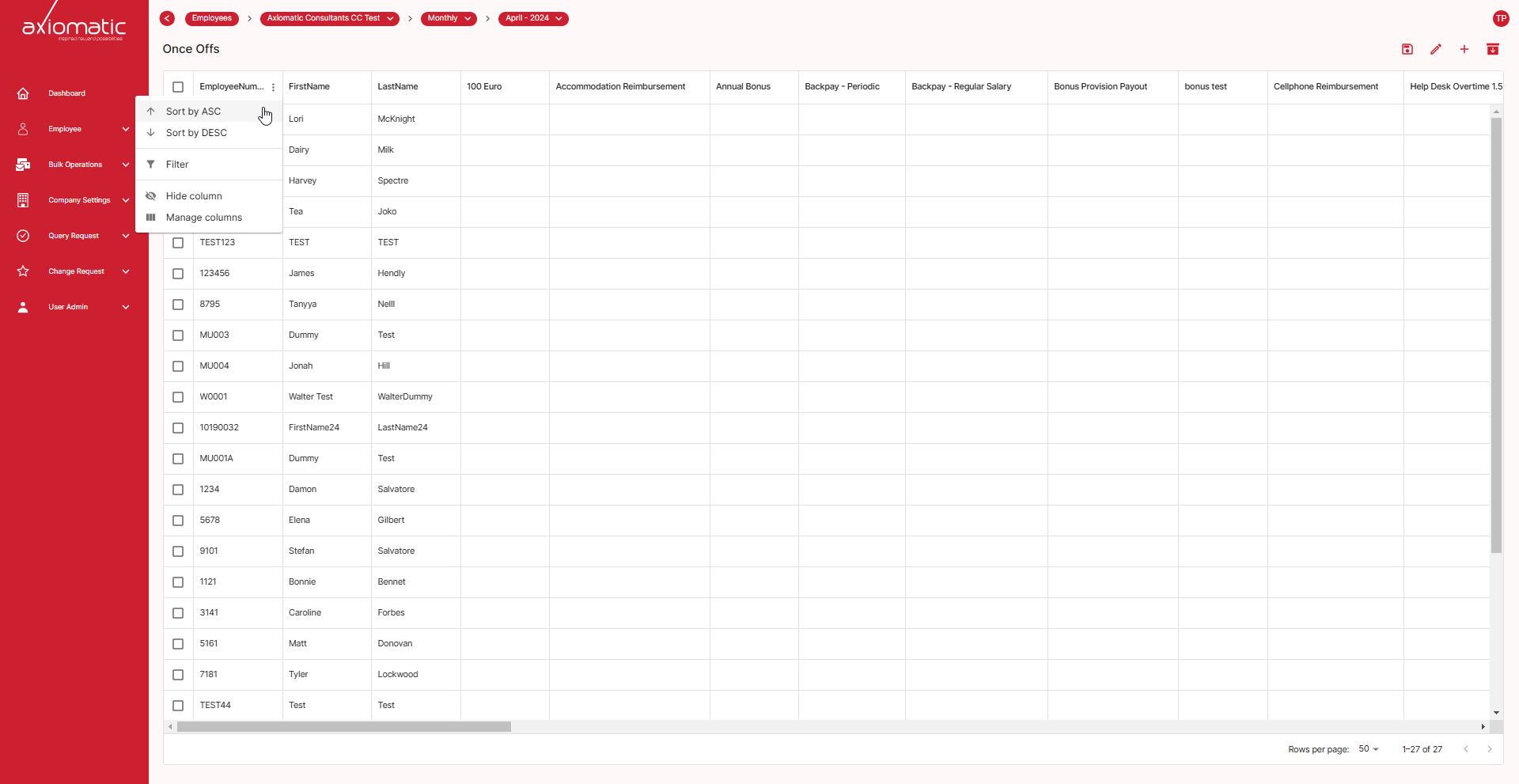
Look for the “three dot” button located at the top right corner of any column. The filter menu equips you with a powerful suite of tools to organize and refine your data view. Let’s explore its functionalities:
Column Filtering
Target specific data points by filtering based on chosen columns. Simply select the desired column and define the filtering criteria using comparison operators like “equals,” “greater than,” or “contains.” This granular control allows you to zoom in on the most relevant information, saving you valuable time when working with extensive datasets.

Sorting
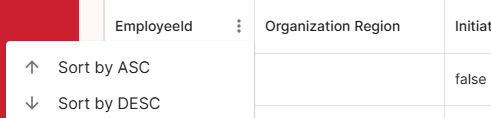
Effortlessly organize your data by sorting it in ascending or descending order. This functionality helps you prioritize and identify trends within your data, making it easier to draw insights.
Column Management
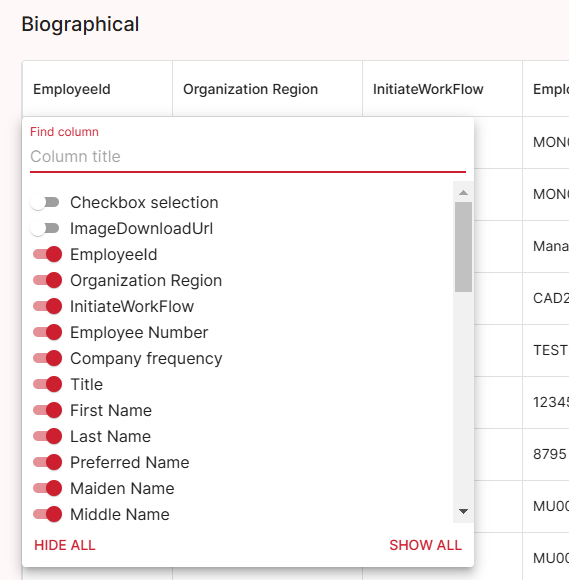
Tailor your data view by hiding or showing specific columns using the “Manage Columns” option. Focus on the information most critical to your current task and declutter your workspace for enhanced clarity.
In essence, the filter menu empowers you to explore your data with precision and efficiency. By combining filtering, sorting, and column management, you can effortlessly navigate and gain valuable insights from even the most complex datasets.