Employee Tabs Overview
In the Axiomatic Online platform, you can access various tabs within the “Employee Tab” section to view and manage employee information. Each field in the employee tab serves a specific purpose and provides essential details for effective management. Below is an overview of each field:
Bio Data
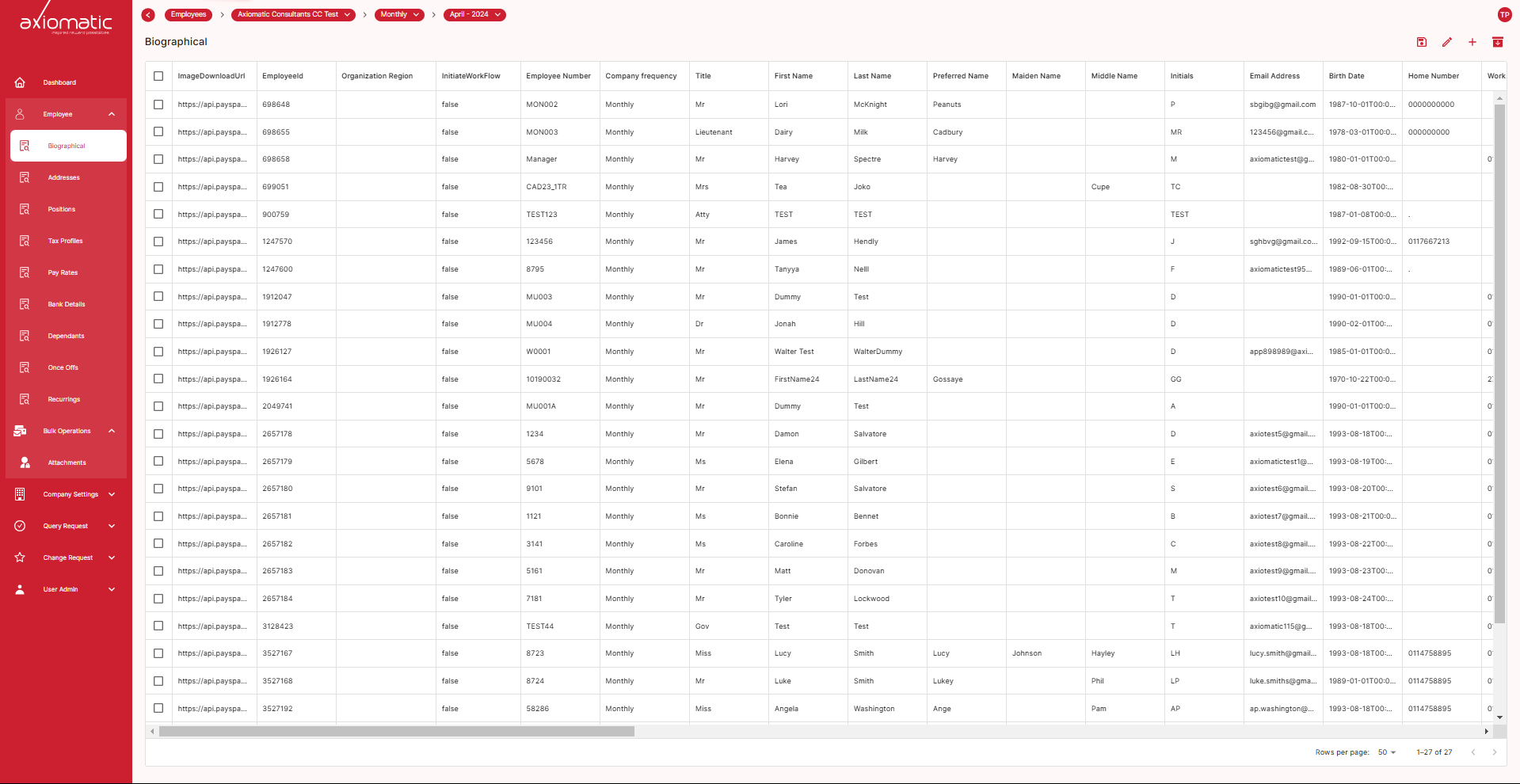
Bio Data, short for “biographical data,” field contains comprehensive personal information about employees, including their names, contact details, image, gender, employee ID, and other relevant data.
Positions
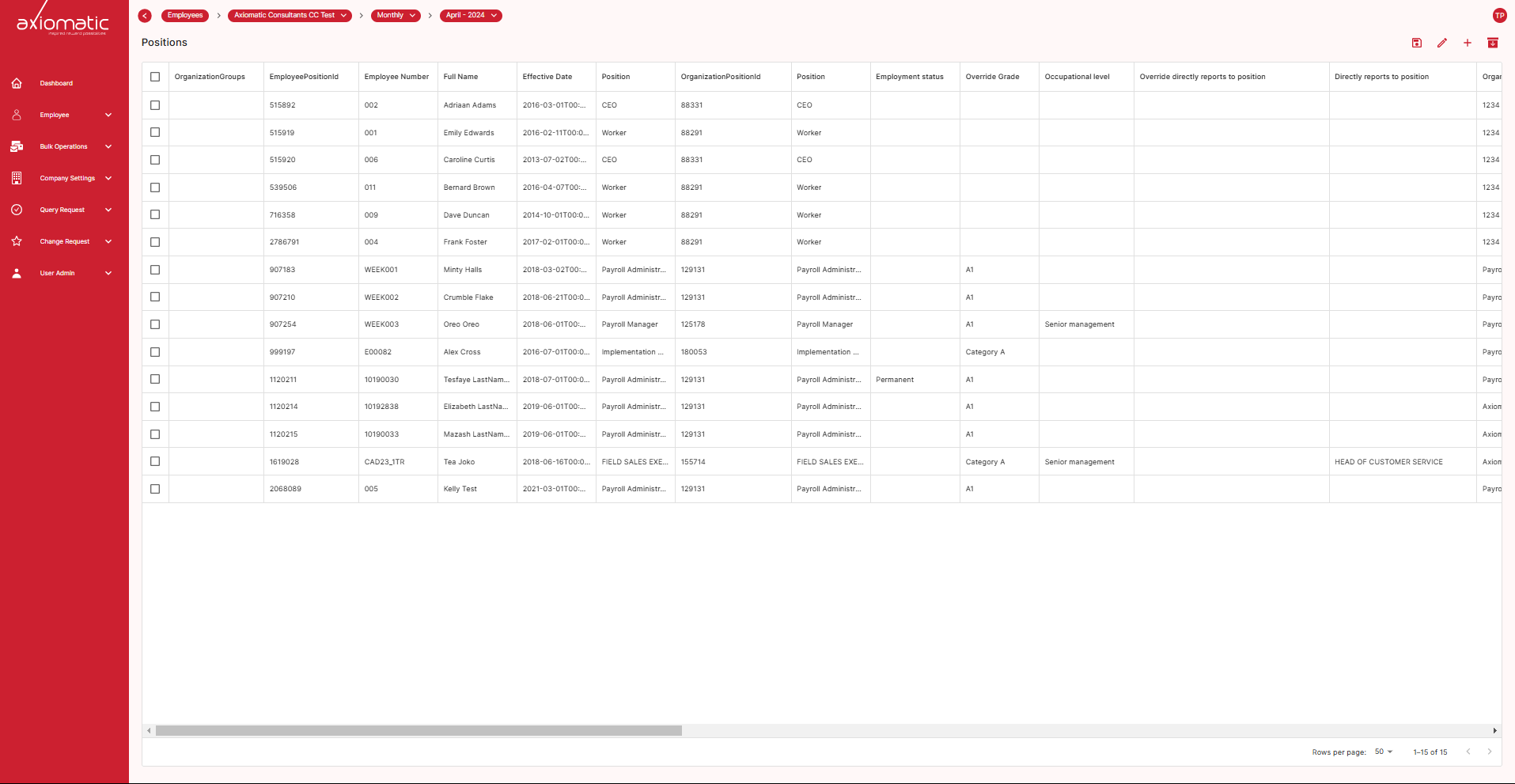
The “Positions” field is a section that provides detailed information about an employee’s job history and current role within an organization.It includes job titles, departments, employee position, and others.
Bank Details
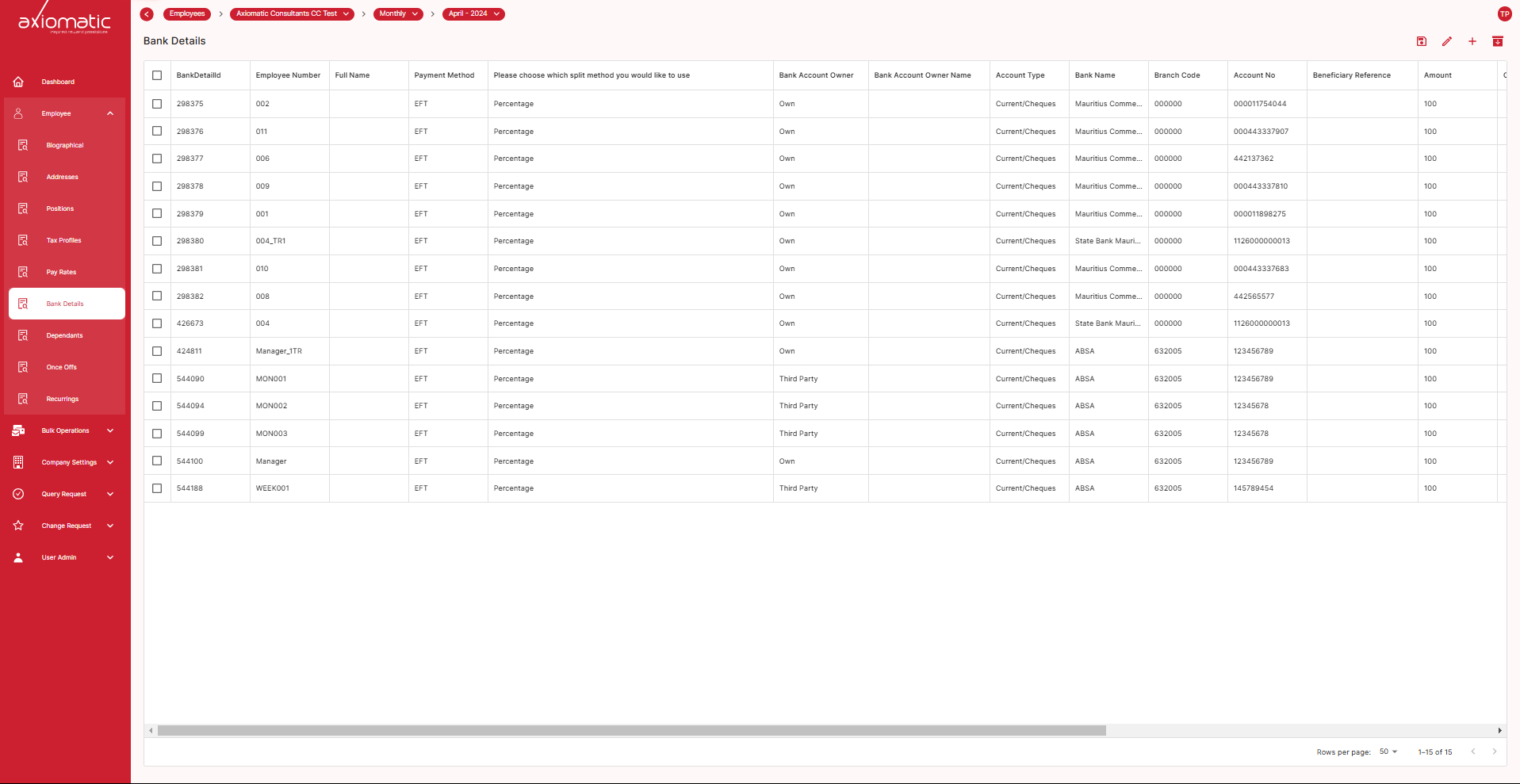
The “Bank Details” field is a section where an organization stores and manages important banking information related to its employees. This field contains confidential financial data necessary for processing employee salaries and benefits. Within the “Bank Details” field, you can access an employee’s banking information, such as their account number, bank name, branch, and other necessary details for payroll processing.
Tax Profiles
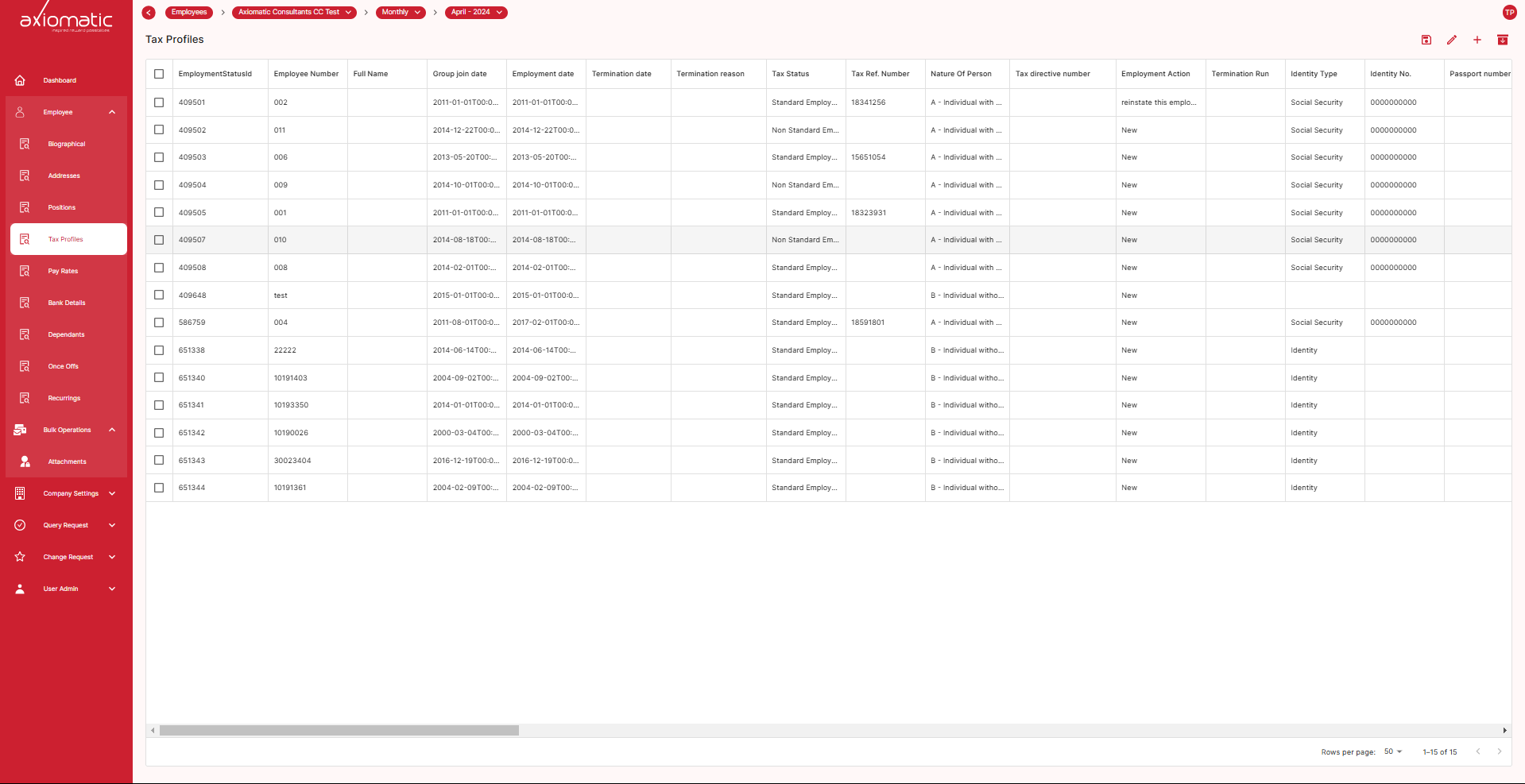
The “Tax Profiles” field is a section where an organization maintains detailed information related to an employee’s tax status and withholding preferences. This field plays a crucial role in ensuring that payroll is processed accurately and that the correct amount of taxes is withheld from an employee’s earnings. In the “Tax Profiles” field, you’ll find information related to an employee’s tax status, tax codes, and deductions relevant to their payroll.
Dependants
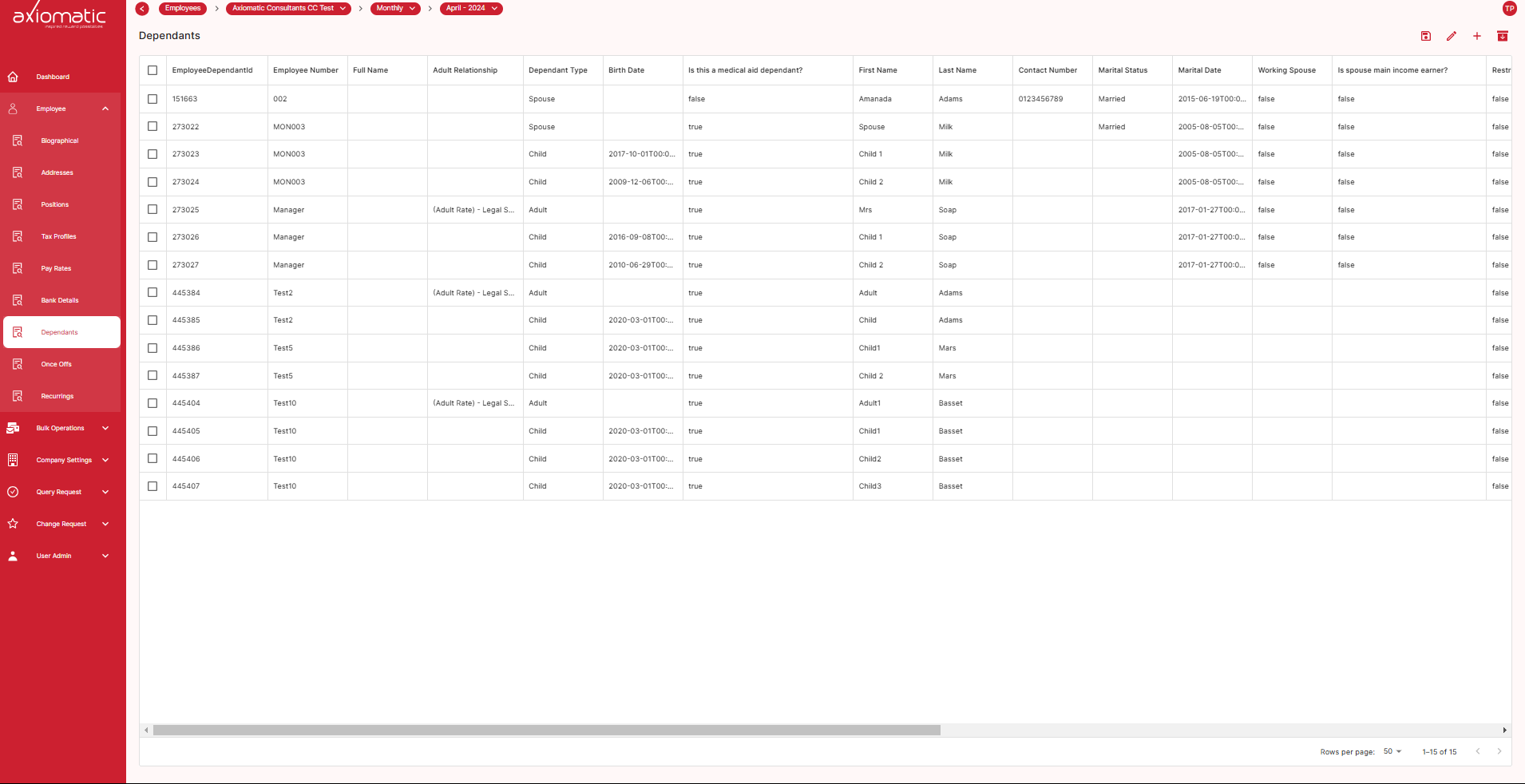
The “Dependants” field is a section where an organization records and manages information about an employee’s dependents. Dependents are individuals financially supported by the employee, and this information is often necessary for various benefits-related purposes. The “Dependants” field provides information such as dependant type, child birth date,medical AId Dependant and others.
Recurrings
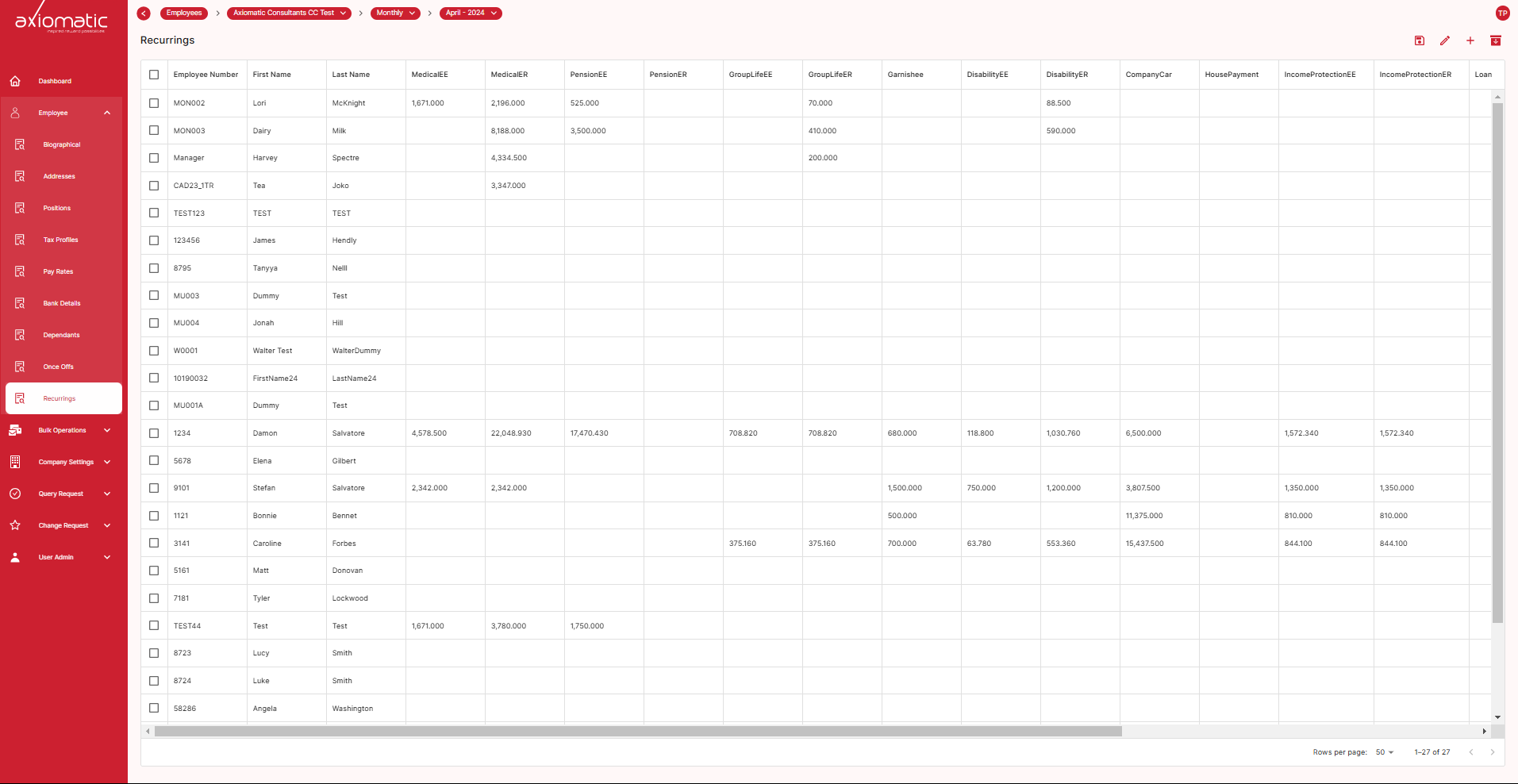
The “Recurrings” field is a section where an organization records and manages recurring additions and deductions from an employee’s salary. These recurring payroll items are typically related to various financial aspects of an employee’s compensation package. Within the “Recurrings” field, you can view recurring from an employee’s salary, Medical AId, pension, Loans, Garnishee, Disability and others.
Once Offs
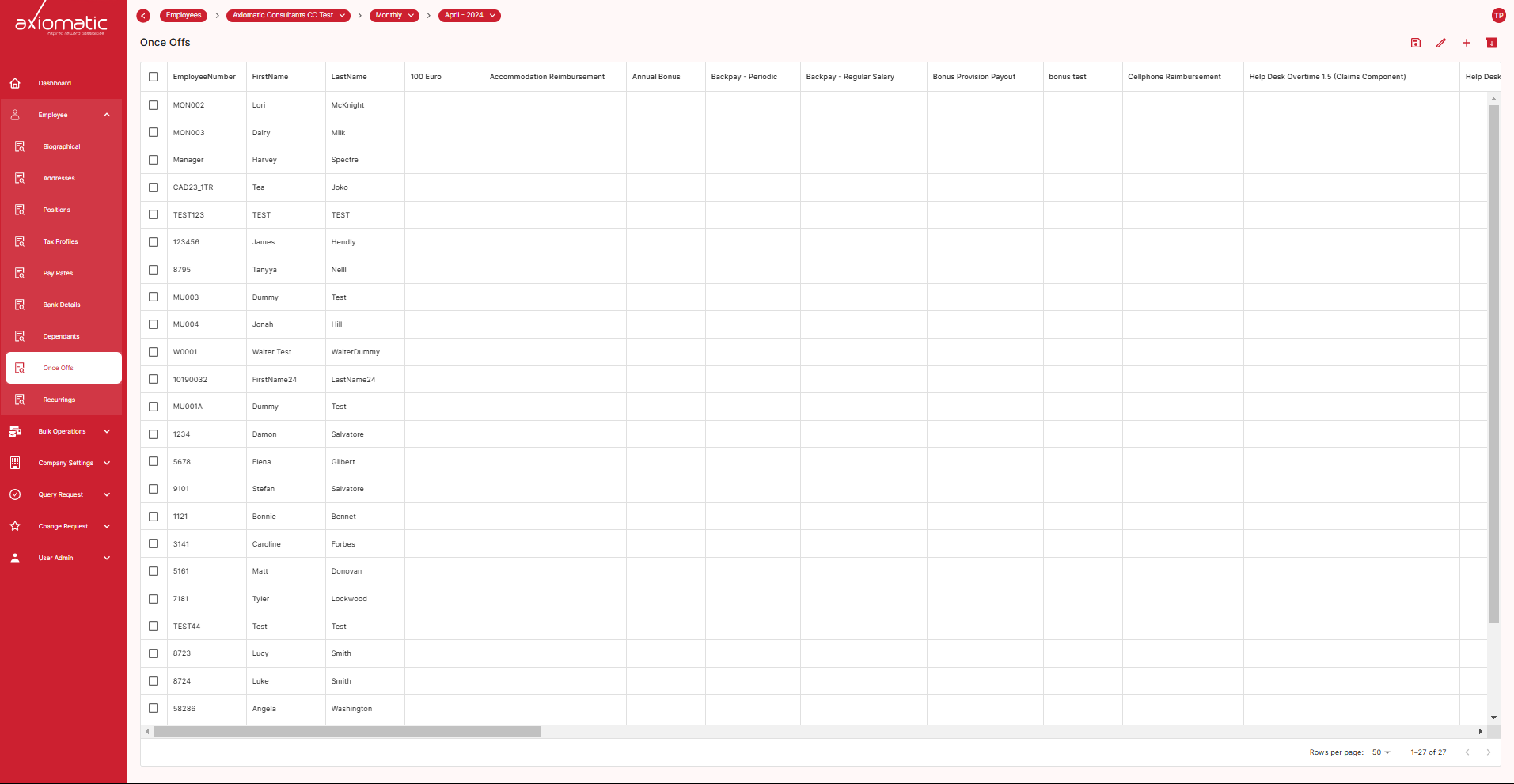
The “Once Offs” field is a section where an organization records and manages one-time or irregular payments or deductions made to or from an employee’s salary. Unlike recurring items, which are regularly processed, once-offs are infrequent and typically not part of the regular payroll cycle. These may include bonuses and special incentives.
Attachments
The “Attachments” field is a section where an organization stores and manages relevant documents and files associated with an employee. This field serves as a secure repository for various types of digital and physical documents related to an employee’s employment and HR records.