Dashboard
After you log in as a user, you are prompted to enter to the dashboard. Your username will be shown to represent your session.
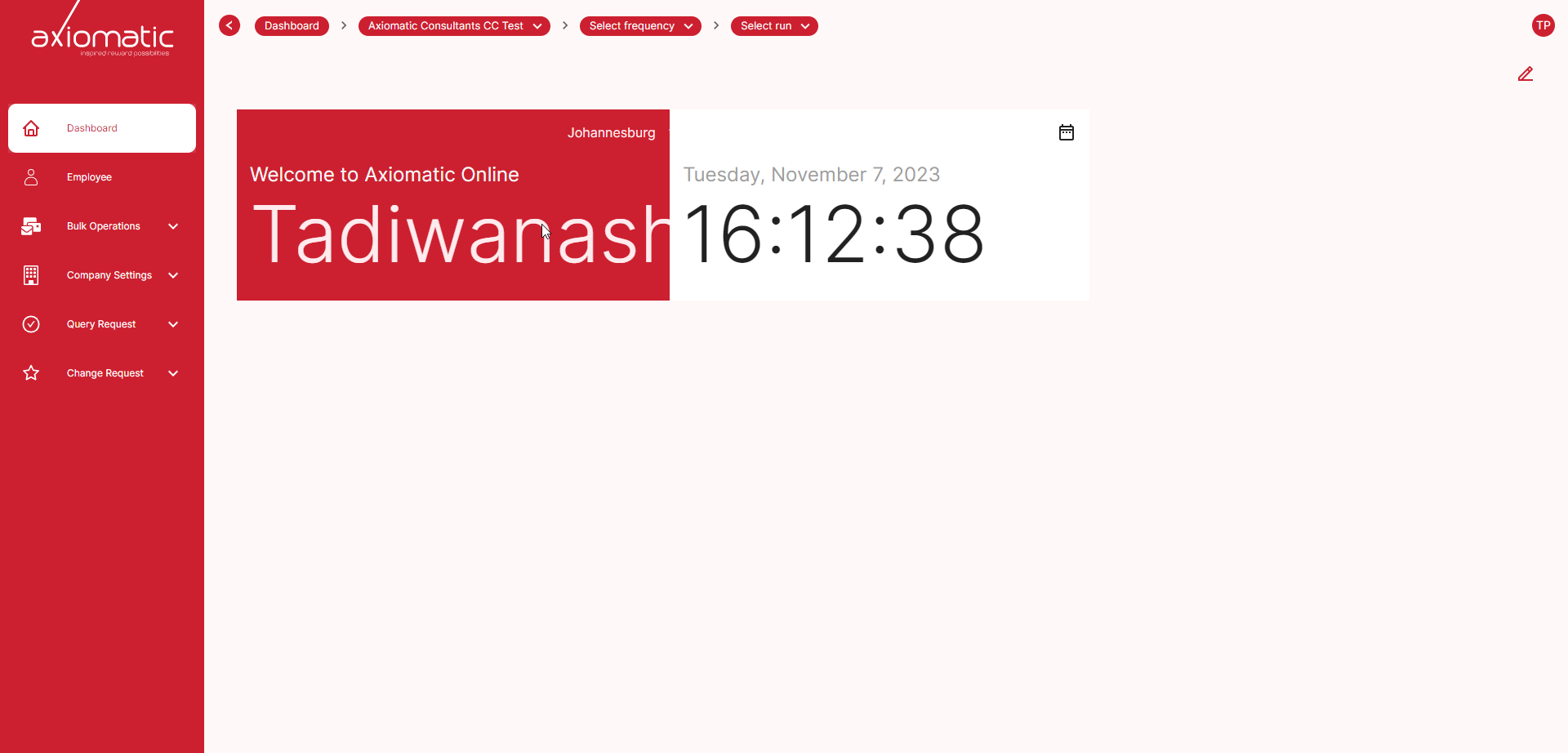
Convenient navigation
From your Dashboard page, you can easily navigate to all of the important pages on our site. To save you time from having to search for these pages on the website on the left side of the page there are all the pages and their respective tabs. Employees, Bulk operations, Company setttings, Query request, Change request tabs.
On the right side of the dashboard page, you will find two buttons: a view profile button and an edit widget button. The view profile button allows you to view your profile information. The edit widget button allows you to pick the widgets that will be displayed on your dashboard.
Select Company
To access Axiomatic’s features, you’ll need to complete a quick setup process.
First, select the company you’re assigned to. Your administrator will have added you to the appropriate company within Axiomatic. Once you see a list of companies, choose the one that applies to you.
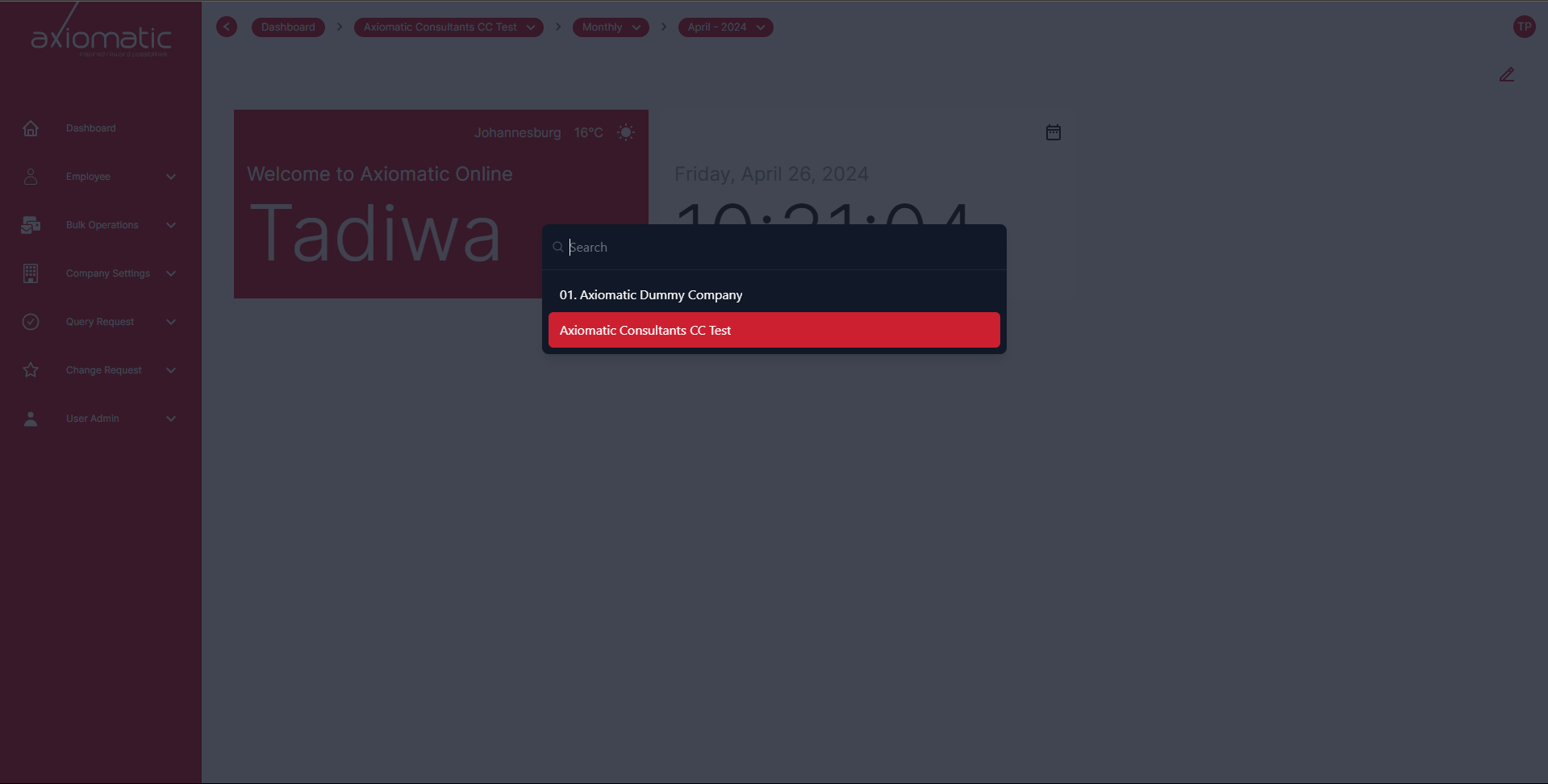
After selecting your company, you’ll have two options more:
Set Frequency:
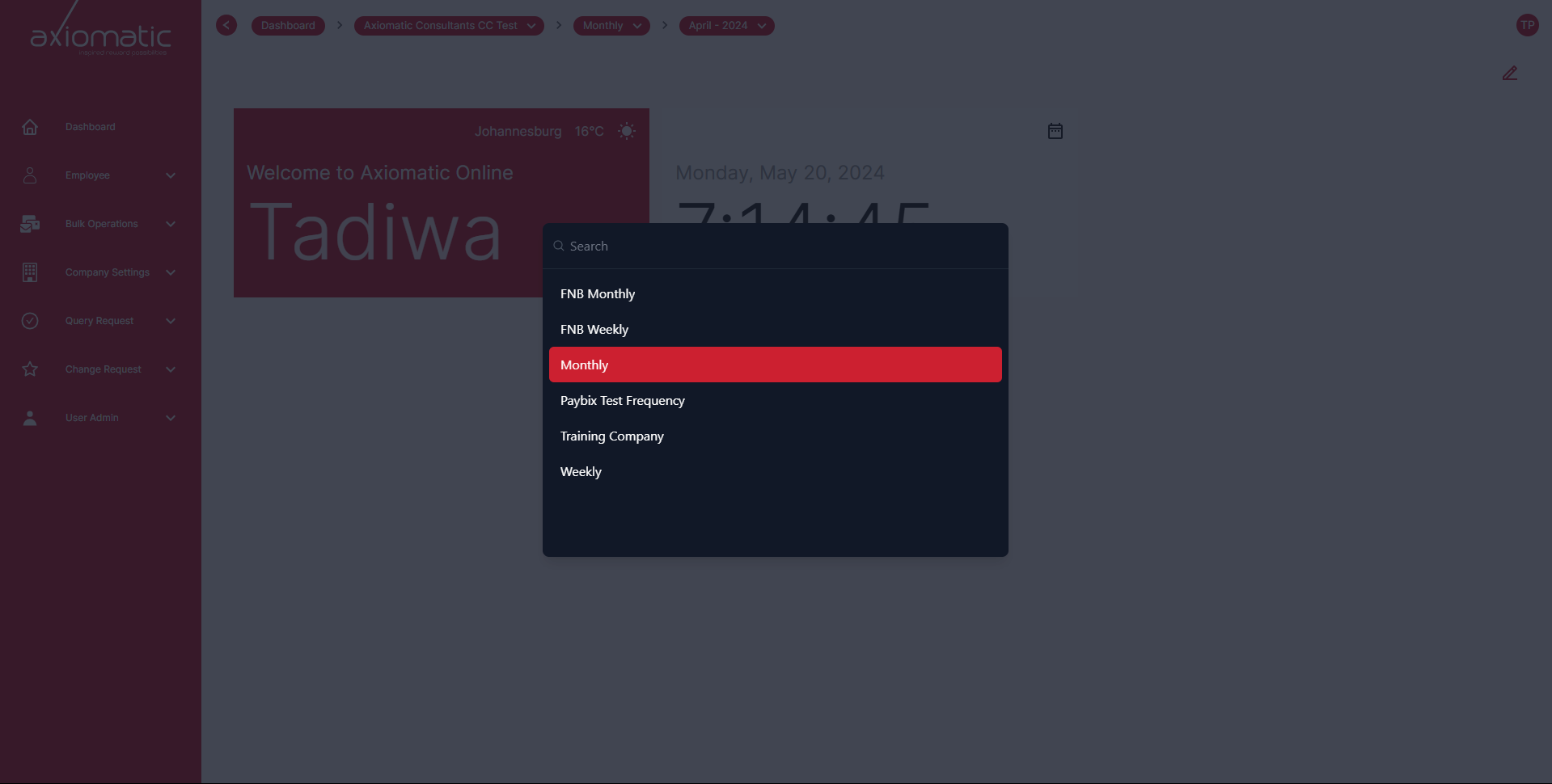
Next to the company dropdown there is frequency. Select the company frequency by choosing from the dropdown.
Select Company Run:
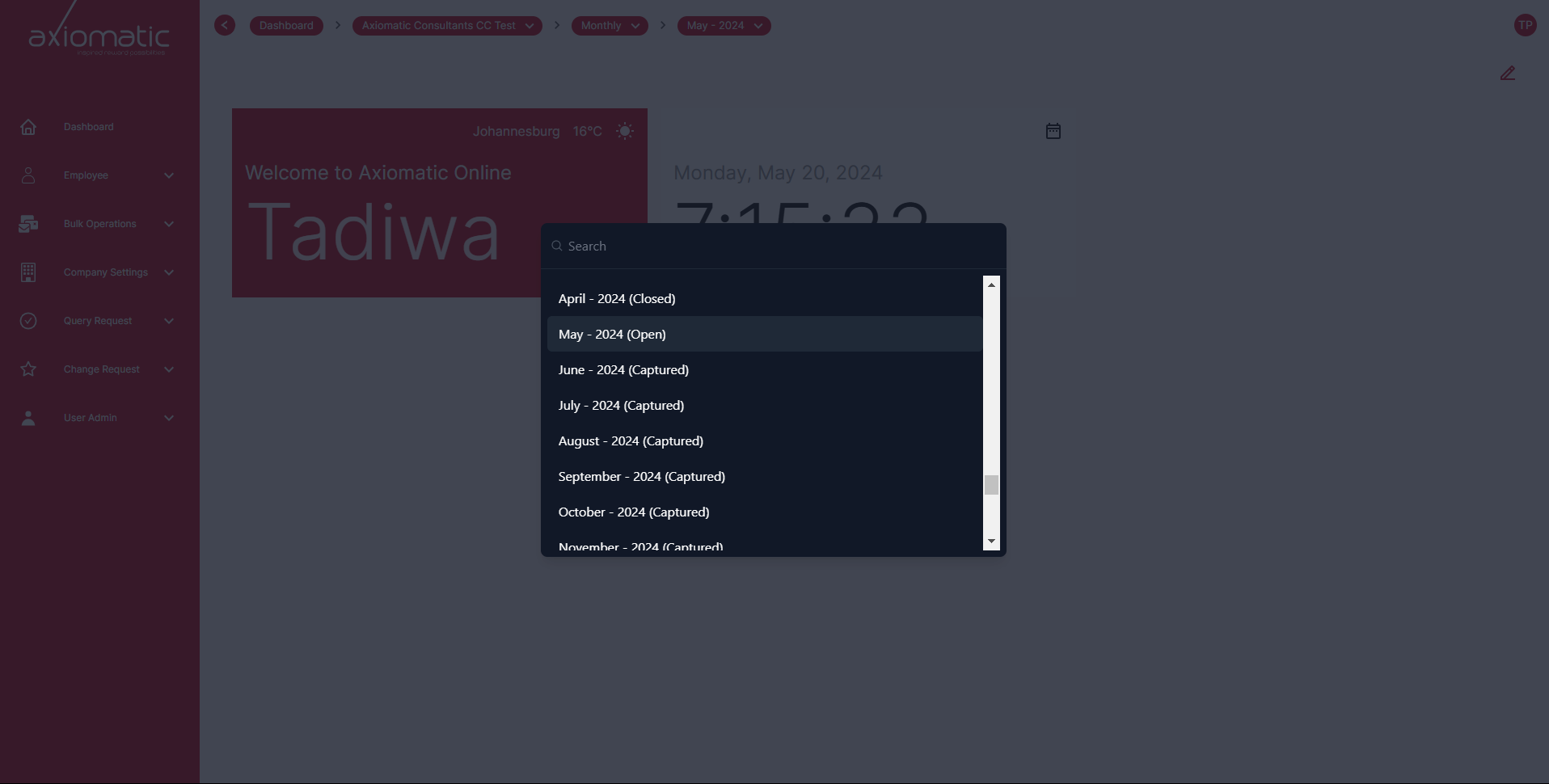
After choosing the company frequency, you’ll have to select the company. Choose from the dropdown. The current open run will be set to to open.