Change Request
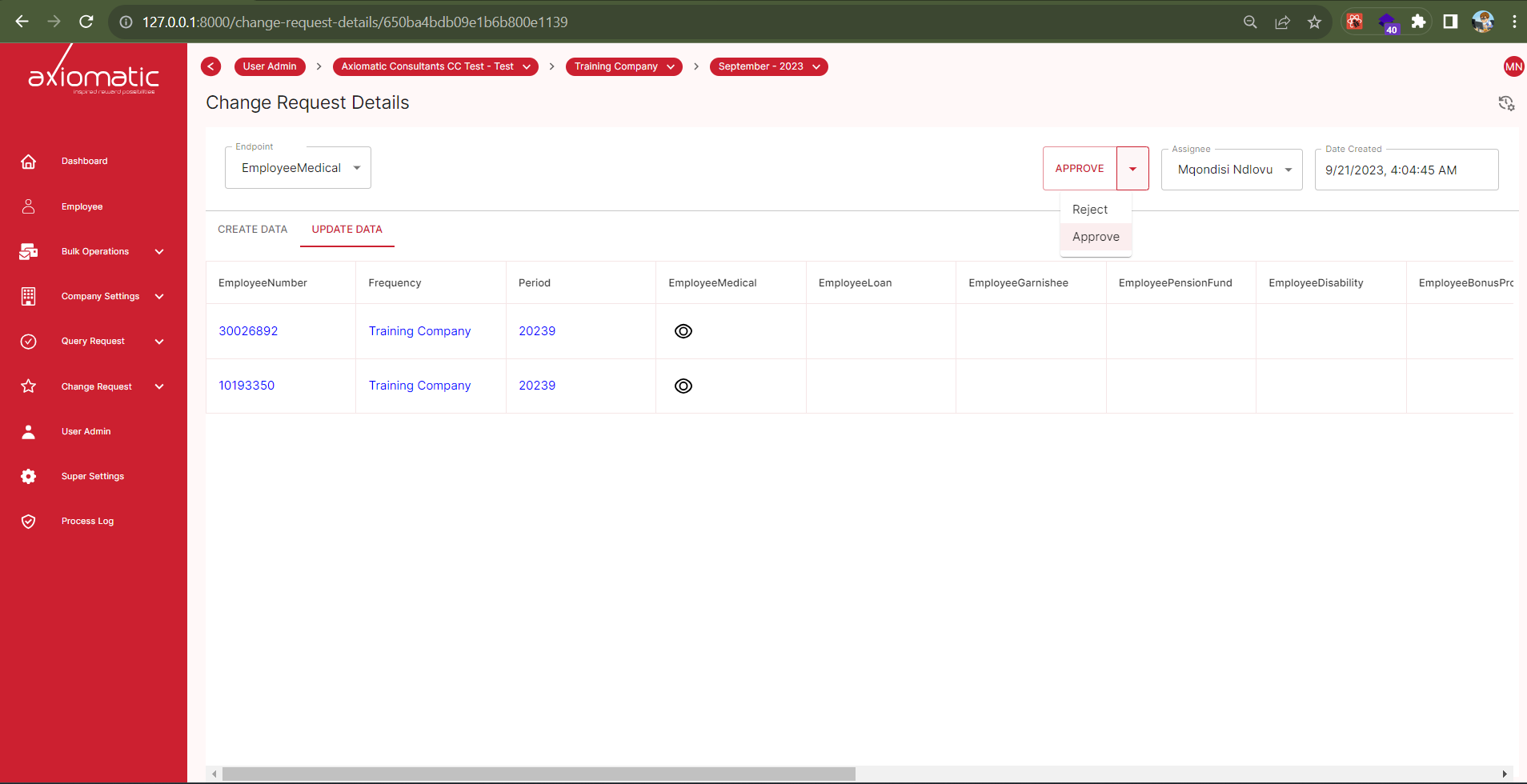
The “Change Request” section allows you to view and manage changes requested by users in various categories, such as medical aid, employee loans, pension funds, and more. Here, you can track and review all requested changes, including the following details:
- Employee Number: The unique identification number associated with the employee.
- Frequency: The frequency of the requested change.
- Period: The time period during which the change is applicable.
- Category: The category of the requested change, such as employee medical, employee loan, employee garnishee, employee pension fund, and others.
Viewing request Details
To view the details of a requested change, follow these steps:
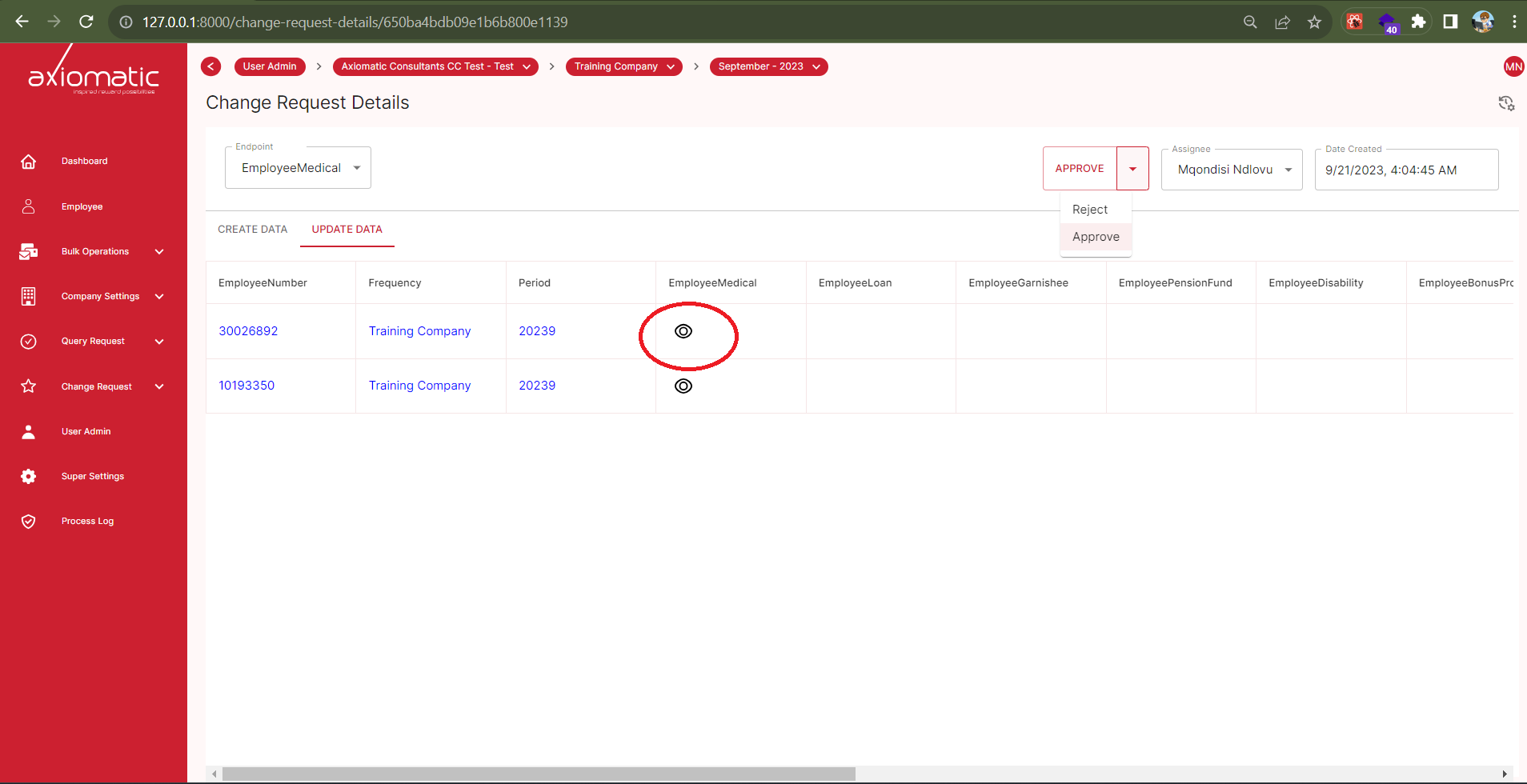
- Locate the desired change request in the list.
- Click on the “View” icon associated with the change request.
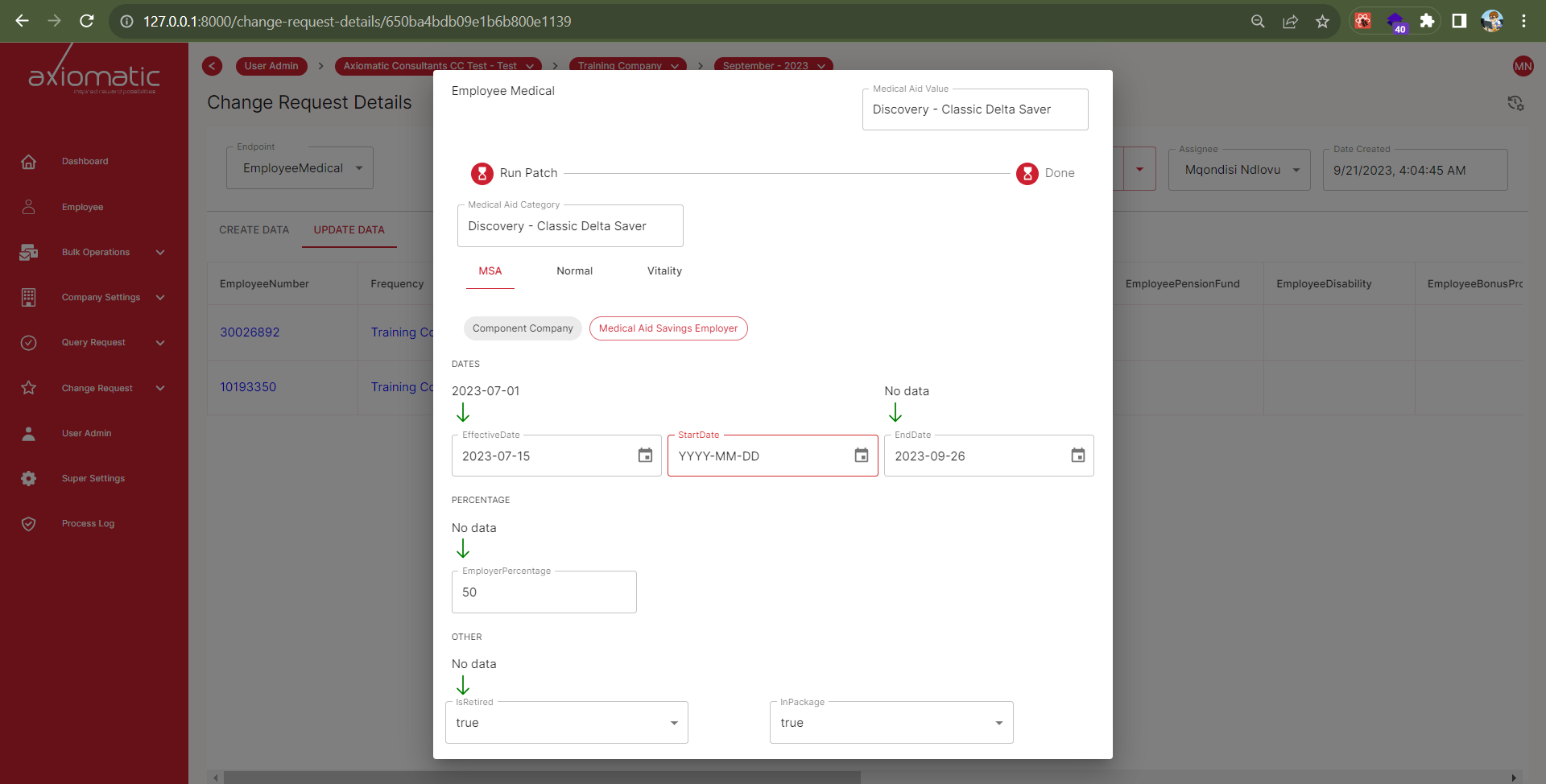
- A new window will appear, displaying all the details of the requested change, including any relevant information or updates.
The “Change Request” section provides a comprehensive overview of requested changes, making it easy for you to manage and track these changes efficiently.